
Welcome to eFootball™


1.Learn to Play eFootball™!
-
Once you've started playing the game, you can learn the basic controls and how to build your Dream Team through a step-by-step tutorial that includes practice matches.
So that many users can enjoy the fun and exhilaration of playing matches in eFootball™, we have also added the Smart Assist setting.
Break through the opposing defense with amazing dribbles or passes and score goals with powerful shots—all without the need for complex commands.
Smart Assist Controls
- 〇 When Attacking
- Dribbling
-
- To perform a feint which would normally require a complex command, simply tilt the right stick in the direction you want to perform an evasive maneuver.
*Applies only to console/PC versions - While dribbling, this setting helps the player move in the right direction to avoid opponents who draw close.
- When the ball is about to go out of play near the sideline, this setting helps correct the dribbling speed and direction.
- To perform a feint which would normally require a complex command, simply tilt the right stick in the direction you want to perform an evasive maneuver.
- Passing
-
- The target of passes will change to players who are open depending on the situation, such as if an opponent is blocking a passing lane or a teammate is making a run behind the defense.
- Depending on the situation, the pass type will automatically switch to a strongly hit or lofted ball, which would normally require quick decision-making and complex commands.
- Shooting
-
- The power and trajectory of shots are automatically determined without the need for precise shooting commands that require quick decision-making.
- 〇 When Defending
-
- The ball will automatically be cleared during dangerous situations in front of your own goal. This setting also helps defenders make a clearance in an appropriate direction.
- When using the Match-up command, the defender will automatically move in front of the opponent dribbling the ball. To adjust the defender's positioning, enter a direction.
*During a Match-up, the defender crouches down and confronts the opponent in possession of the ball by taking precise steps while moving within an appropriate range, increasing the chances of successfully blocking a pass or shot.
- 〇 How to Change this Setting
-
You can change the setting by following the steps below.
- Mobile version: [Extras] > [Game Settings] > [Play Settings] > [Smart Assist]
- Console/PC version: [Extras] > [Game Settings] > [Controller], select a controller to use, then choose [Detailed Settings] > [Smart Assist]
Regarding Controller Support for the Mobile Version
-
- A Bluetooth-enabled controller can now be used to play the mobile version.
- Users who enjoy eFootball™ on a home console can now feel that same sense of control when playing on mobile.
- *Controllers are only supported when playing matches. They are not supported at other times such as when making menu selections.
- A controller can be used in the following:
- ・ VS AI Matches
- *Controllers are not supported in VS AI matches played in the lower Divisions of the PvP category in eFootball™ League.
- ・ Friend Match (1 vs 1, Co-op)
- Check the Controls Manual for detailed information showing how to use the controls.
2.Play With an "Authentic Team"!
-
An Authentic Team is a ready-to-use team that is available for you to play.
Choose your favorite club or national team, and enjoy matches against the AI in "Exhibition" mode, or play with your friends online via "Friend Match" mode.
3.Play With Your "Dream Team"
-
In Dream Team, you can build your very own team by signing your favorite players and managers.
Create your original team and take on the world in Dream Team-exclusive matchups.
Dream Team Playing Concepts

Let's Sign Some Players
- Your Dream Team journey will start with a squad full of original players. However, as their abilities are not very high, you should be looking into making signings.
To sign players, you will need to go to [Contract]. We recommend you to check out the "Standard Player List" where you can utilize the welcome rewards to make signings. - ・ Special Player List
-
You can sign players that have put in top performances in real-life matches, players from featured leagues, and soccer legends here.
*May not be available in certain Countries/Regions. - ・ Standard Player List
- You can sign any player of your choice here. Use the filters to find your favorite players.
- ・ Manager List
- You can sign managers with differing Coaching Affinity that excel in various tactical setups.
- ・ Standard Player Tickets
- Tickets that can be earned through various means, including Event Rewards. Use these to sign players at random.
- ・ Packs
- Packs include a variety of novelty items such as players, managers, and Uniforms.
Register Your Signed Players
-
You will need to register your signed players via [Game Plan] to have them featured in matches.


Enjoy Matches
-
When you are done building your team with your newly signed players, head on over to [Match].
- ・ Events
-
Experience the "hot topics" of the soccer season by taking part in a wide variety of Events. There are VS AI matches and User Matches waiting for you to take on.
New types of Events will also be added in due course. - ・ eFootball™ League
- Play PvP and VS AI matches in a league with a division-based structure. Climb the division ladder, and earn even greater rewards.
- ・ My League
- This is a mode where you battle to become the champion of your chosen league by playing matches against the AI.
- ・Quick Match
- Enjoy casual online PvP matches against users around the world. These matches will not be counted towards your match records.
- ・ Friend Match
- This online mode allows you to play in your preferred Match Settings, from 1-vs-1 to 3-vs-3 Co-op (cooperative play).

Develop Your Players
-
Apart from players of certain Player Types, you can further develop your signed players.
Head over to [My Team] > [Players], and select the player you want to develop. - ・ Level Training
- Use Exp. Tokens to grant players many Experience Points.
- ・ Player Progression
- "Progression Points" will become available once a player levels up and can be used to further develop the player.
- ・ Skill Training
- Use Random Skill Tokens and Select Skill Tokens to give players up to 5 Additional Skills.
- ・Position Training
- Use Random Position Tokens and Select Position Tokens to increase up to 2 eligible Position Proficiencies.
- ・ Player Fusion
- Fusing a player allows Experience Points and Additional Player Skills to be passed on to another player.
-
Follow these 2 steps to develop your player.
- 1) Level up players by having them participate in matches or by using Exp. Tokens obtained as Event Rewards, etc.
- 2) Use the Progression Points you earned from leveling up the player, and develop him via "Player Progression".
- 〇 What is Player Progression?
-
This is a function that allows you to develop your players using Progression Points. Your players acquire Progression Points when they level up.
You have two options for allocating the player's Progression Points: "Auto Development" and "Manual Development".
If you choose "Auto Development and the player levels up, his Points will be allocated automatically in a way that will maximize his Overall Rating.
If you want to customize the player's stats to your personal liking, you can allocate the Points manually by choosing "Manual Development".
Note that you can reset a player's Progression Points at any time.
Lastly, if you are in doubt about how to manually allocate your player's Points, you can use the "Recommended" function to allocate them automatically.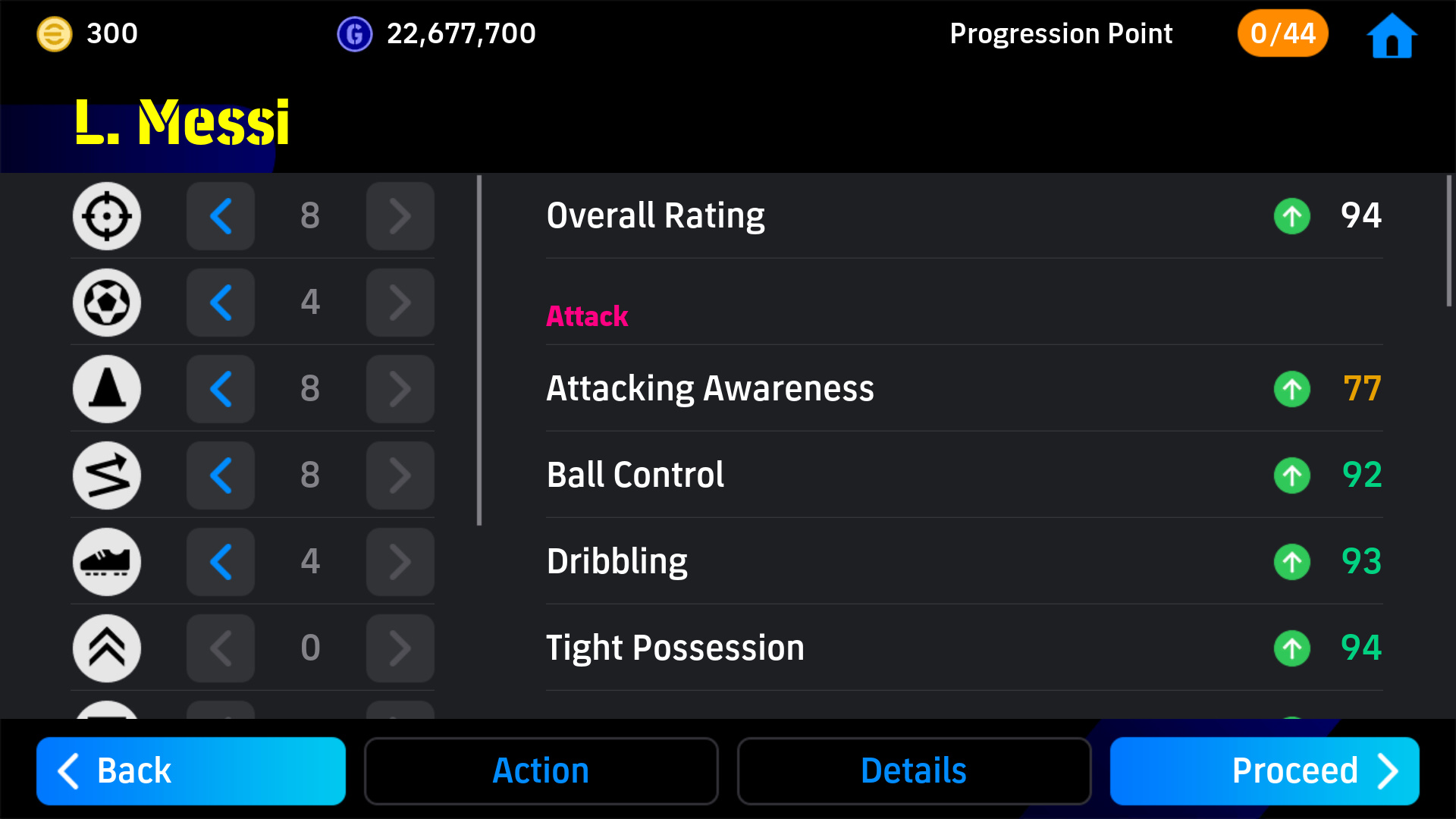
- 〇 Team Playstyle
There are 5 different Team Playstyles that can be configured in [Game Plan] > [Tactics], including "Possession Game" and "Quick Counter". To make the tactics work more effectively for your team, it is best to employ a manager with a higher proficiency for your chosen Team Playstyle.
- [Tips] Boosters
-
Some players will possess a special feature called "Booster". "Boosters" serve to enhance certain Player Stats, allowing you to perform Player Progression on a player and take them beyond the ceiling of 99.
There are some players that have a "Booster Slot" where they can add an extra Booster to their arsenal.
The avant-garde of soccer experience
-
The Dream Team experience is divided into "Phases".
During each Phase, you will be able to enjoy the latest soccer trend via in-game Events, such as PvP Challenge Events and VS AI Tour Events.
By signing players that are compatible with an Event's theme and adding them to your squad, you will have an advantage in the Event.
Create a unique team for each Event, and feel the excitement that only soccer can offer!
4.Complete Objectives
Campaign Hub
-
The Campaign Hub is a new feature through which users can earn rewards while enjoying all kinds of campaigns. The theme and design will change based on the current Event.
It can be accessed anytime in-game by going to [Home] > [Missions] > [Campaign Hub]. The latest Event information will also be presented here in one place.
Line Objectives: Tic-Tac-Toe-style Reward System
-
Line Objectives are a reward system carried out across a tic-tac-toe board. Earn rewards by completing the missions in each space based on your progress in-game. Then fill in a line in any direction to also obtain very special Line Rewards.
We have set up missions for both beginners and returning users, so anyone at all can get off to a flying start with ease!
[Additional Information]
- In-game Assets and Contracts
- Please see the following for information regarding in-game assets earned via Dream Team and the different ways to sign players.
- Virtual Assets
-
eFootball™ Coins These are Coins that can be used to sign players and purchase in-game items etc. They can be acquired in-game or in-store. GP This is an in-game currency that can be used to sign players and managers etc. It can be acquired by meeting certain conditions in-game. eFootball™ Points These are Points that can be used to sign players and exchange in-game items. Apart from acquiring them in-game, you can also get them via out-of-game campaigns. eFootball™ Point Official Site - Contracts
-
Chance Deal An item that allows you to sign a random player from a list of players tailored for this deal. Nominating Contract An item that allows you to sign a player of your choosing from a list of players tailored for this contract. Selection Contract An item that allows you to sign a player of your choice from an exclusive Player List.
- Player Signings and Card Types
-
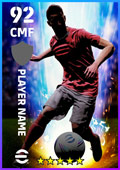
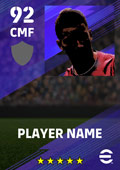
Epic Legendary Trending Highlight Featured Standard Card Designs 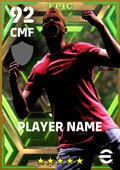
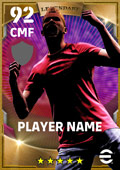

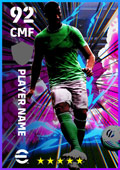
Overview Celebrating the "defining season" of big names past and present with a higher progression ceiling than Legendary. Players are based on a specific season when they had a stellar performance (This also includes retired players who had a brilliant career) Players are based on a specific match or week in which they put an impressive performance during this season Hand-picked players who have put in exceptional performances in the "current season" and have a higher progression ceiling than Featured. Hand-picked players that are depicted based on their performance during the current season Players are based on their performance during the current season Player development Yes Yes No Yes Yes Yes *Card images and player stats are not finalized, and may undergo changes in the future.